
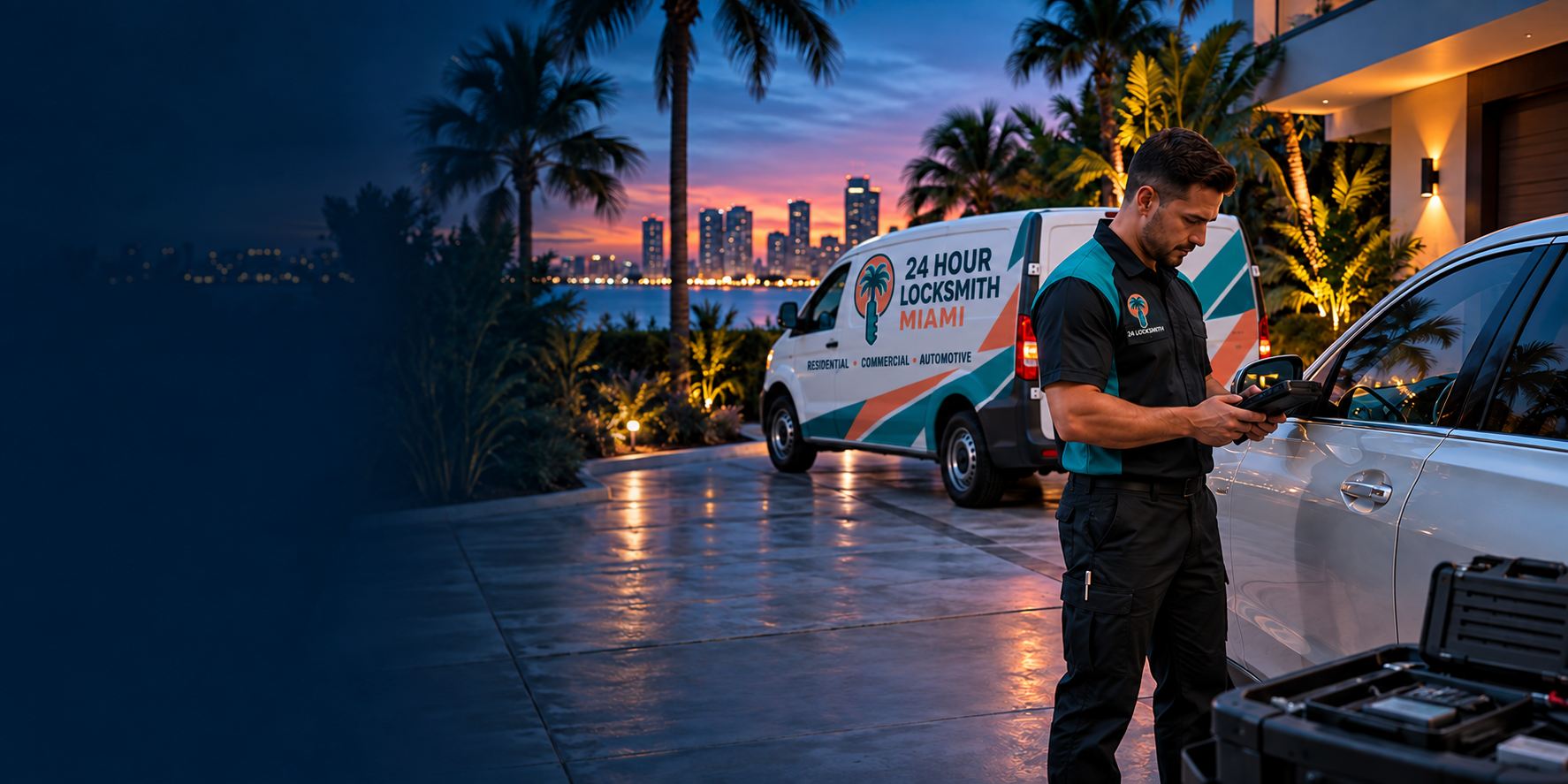
Why a power cut can lock you out
Electronic locks have made life easier for many households in Miami-Dade. A keypad on the front door, a lock that opens with a phone, a lock that recognizes a fingerprint: all convenient, and all dependent on some form of power. When the neighborhood loses electricity after a storm, a transformer failure or planned work, the question becomes which parts of your lock depend on the grid and which do not.
Most residential smart locks are self-contained. They run on batteries inside the lock body, and the grid has nothing to do with whether the keypad lights up. In those cases, a neighborhood outage should not stop the lock itself from working. What often does stop is the connection to the outside world, because the home's Wi-Fi router, the hub that links the lock to the internet and the app on your phone may all depend on household power or on a working network. A lock that cannot be reached through the app can still be opened with the keypad, a key or a fob.
Some electronic locks, especially in commercial buildings and some multi-unit buildings, are tied to a wired power supply and a central controller. These can behave differently in an outage, depending on how they were designed and whether they have a backup battery. A lock that fails safe will unlock when power is lost, so that people can leave. A lock that fails secure will stay locked. Which type you have is decided by the design of the system and by safety requirements, and it is not something to change on your own.
Battery locks versus wired locks
It helps to know what kind of lock you have, since the answer to most outage questions follows from that. A battery-powered lock has a compartment, usually on the inside of the door, that holds a set of ordinary batteries. When the batteries run low, the lock typically warns you with a light, a beep or a message in the app. If the warnings were ignored or missed, the lock may stop responding and the keypad may not light up at all.
A wired lock draws power from the building. In a home, this is less common for a front door lock, and more often seen with some magnetic or strike-based door systems, gate controllers and garage-related access. In a business or a building, wired locks are common. These systems may have a battery backup that keeps them running for a period of time during an outage, and the time depends on the equipment and the battery condition.
A hybrid arrangement is also common: a battery lock on the door and a plug-in hub or bridge that connects it to Wi-Fi. The lock works on its own, and the hub provides remote access. In an outage, the lock keeps working, and remote access goes away until power and the network return. If you rely on remote features, such as letting a guest in while you are away, an outage can interrupt that plan.
- Battery lock: runs on batteries in the lock body, usually independent of the grid.
- Wired lock: draws power from the building and may or may not have a backup battery.
- Hybrid: battery lock plus a plug-in hub for remote features.
- Fail-safe design: unlocks when power is lost, usually for exit safety.
- Fail-secure design: stays locked when power is lost.
Safe checks you can make yourself
Start with the simple things. If the keypad does not light up, think about when you last changed the batteries. Many smart locks need new batteries every so often, and the interval depends on the lock and how often it is used. If you have fresh batteries of the type your lock uses, and the battery compartment is accessible from outside or you can reach it, replacing them may restore the lock. Follow the manufacturer's instructions for your model, and use the type of battery it specifies.
Some locks have a feature that lets you provide temporary power from outside, for example through contacts on the exterior of the lock that accept a small battery held against them. Check your lock's instructions to see whether yours has this. If it does, follow the instructions exactly. Do not try to improvise a power connection with wires or other equipment, and never attempt to open the lock housing or touch wiring. That is the point where you should stop and call a professional.
If your lock has a physical key, use it. Many smart locks keep a conventional key cylinder as a backup, sometimes hidden behind a small cover on the exterior. If you have the key and know where the cylinder is, this is the intended backup. If the lock does not have a cylinder, remember that a spare keypad entry you set up in advance still needs the keypad itself to work.
What to leave alone
Locks are mechanical and electrical devices, and some of them connect to household wiring. Do not take apart a lock that is wired to the building, and do not attempt to bypass or disable one. Electricity can injure, and a damaged lock can leave your door unsecured. If you suspect that the lock is connected to household or building wiring and is not responding, tell the technician and stop.
We do not provide instructions for bypassing or defeating electronic locks, and you should be wary of any instruction you find online that does. Methods that sound clever can damage the lock, void any protection that comes with it and leave you with a door that no longer works properly. A technician has the knowledge and tools to restore access with a method designed for the job.
If there is any sign of burning, a hot smell, smoke, sparks or a lock housing that feels hot, move away, do not touch it and call 911. A power event can sometimes damage electronics. If water has entered the lock or the wiring during a storm, treat it as a hazard and do not attempt a repair. Our page on lockouts and lock damage after a hurricane describes the safety checks that apply after a major storm.
Keypads, fingerprint readers and phone-based locks
Different kinds of electronic lock fail in different ways. A keypad lock needs its own power to light the pad and to move the bolt. If the batteries are dead, nothing happens. A fingerprint lock needs power for the sensor, and a damp finger or a dirty sensor can also cause failures. A lock that opens with a phone depends on the phone's wireless connection, the lock's battery and sometimes the home network. A dead phone battery, an app that has logged out or a lost signal can leave you at the door with a lock that is fine and a phone that cannot talk to it.
Because of this, a good smart lock setup includes more than one way in. Many people use the keypad as the main method, a fob or a card as a second and a physical key as a third. Our page on smart lock installation and our page on keypad lock setup describe how these locks are usually set up, and a technician can help you plan backup methods that suit your home.
If you rely on the lock in a rental or a short-term stay, think about how a guest would get in during an outage. A written note with the backup method, and a spare key held by a trusted person, can prevent a stranded guest and a worried call. Our guide on smart locks pros and cons sets out the trade-offs.
Garage doors, gates and other connected entries
A lockout during a power cut is not always about the front door. Many homes in South Florida use an electric garage door opener as a main entry, and a gate that opens by remote or keypad. When the power goes out, these may stop working unless they have a battery backup. A garage door usually has a manual release that lets you disconnect it from the opener and move it by hand, but that release is connected to a heavy door held up by springs under tension, and it is not a safe thing to improvise. If you are unsure, leave the garage door alone and call a garage door professional.
Gates and entrance systems vary. Some have a battery backup and some do not, and some have a manual override that only a technician or the manufacturer should operate. If you live in a gated community, the community gate is managed by the association, and the guard or the management office can tell you how the gate behaves during a power cut. Our page on gated community and guard gate locks explains how access arrangements work.
A practical habit is to test, once, how each entry works when the power is off, so that you are not learning it in the dark. That can be as simple as reading the manuals, checking for battery backups and knowing where the manual releases are, and noting which ones need a professional.
What to tell the dispatcher
Clear information helps the technician prepare. Say that the problem is an electronic lock and a power outage. Give the make and model of the lock if you know it, which is often printed on the inside of the lock or in the app. Say how the lock normally opens: keypad, fingerprint, phone, fob or key. Say what happens now: no lights, no sound, a light that flashes, a motor that clicks or nothing.
Say whether the outage is only at your property or across the area. If the whole neighborhood is dark, the technician may face traffic signals that are out and slower travel. If only your home is affected, the cause may be a tripped breaker or an electrical fault, and the lock may not be the main problem. A breaker can be checked safely if you know where the panel is, but do not open any panel that you are not comfortable with, and do not touch anything wet.
Tell the dispatcher whether you have a physical key and whether you have tried new batteries. Say where you are waiting and whether it is safe. Quotes are given by phone only, and a service call charge is explained before anyone is sent. Complicated jobs, such as a wired lock tied to a building system, may need an on-site visit before a final figure is set. We do not promise arrival times, and an outage can slow travel.
Condos, offices and shared buildings
In a shared building, the door you are locked out of may be part of a system you do not control. Many condominium towers and office buildings use card readers, electric strikes or magnetic locks tied to a central system, often with a backup battery or a generator. During a power cut, the building may keep some doors working and not others, depending on how it was designed and what is on backup power.
If the door that will not open is a building door or a common area door, contact management or security first. They know the system, they may have a manual way to open it, and they are responsible for decisions about it. Do not try to force or open a door that is part of a life-safety system. Doors on exit routes are designed so that people can leave in an emergency, and tampering with them can be dangerous.
If your own unit door has an electronic lock, check whether it is on a battery or is wired. The building may have rules about who can work on it. A technician who is called to a shared building will need to coordinate with management, and may need to be announced or escorted. Our page on access control systems for small business explains how card-based systems work at a basic level.
Getting ready before the next outage
The best time to plan for a power cut is before it happens, and the work is simple. Know what type of lock you have. Find out where the battery compartment is, what batteries it takes and how long they usually last. Keep a fresh set of the right batteries at home, stored where you can reach them without going through the locked door. Replace batteries on a regular schedule and at the first low-battery warning, not after it has been ignored.
Keep a physical key. Even if you rarely use it, a key that works with the lock's backup cylinder is the most reliable way in when electronics fail. Store it with someone you trust or in a secure place outside the home, and make sure you can reach it. If your lock has no key backup, think about whether that suits your household, and ask a technician about options.
Look at your hurricane season routine. In South Florida, outages are most likely during the storm season, which runs through the summer and fall, and during heavy storms at other times. Add the lock to your checklist: fresh batteries, a working key, a charged phone and a note of how each door opens without power. Our guide on hurricane prep for locks and doors goes through the list.
Finally, if you have a rental or guests, share the backup instructions in writing. A stranded visitor at midnight in an outage is stressful for everyone, and a short note prevents it.
Waiting safely and verifying the technician
If the outage is widespread, street lights and traffic signals may be out, and it may be dark and hard to see. Wait in a place that has light and people, and keep your phone charged. A portable charger or a car charger helps if your own power is out. If you are in the dark at home, use a flashlight and not a candle where you can, and be careful about generators, which must always be used outdoors and away from doors and windows because of carbon monoxide.
Verify who comes. Ask for the business and the technician's name when you call, and check that the person who arrives matches. Be wary of unsolicited visitors who say they are there to fix your lock because of the outage. Our guide on how to verify that a locksmith is legitimate lists practical checks. A genuine technician will show identification, explain the problem and the cost before work starts and let you decline.
When the power returns, check that your lock has reset properly. Some electronic locks lose their clock or their settings after a power event, and some need to be reconnected to the network. Test the keypad, the key and the app, and replace batteries if they are weak. If something does not behave as it should, call, describe what is happening and the type of lock, and a technician will tell you what to do next.
Questions people ask
Will my smart lock work if the power goes out?
Many residential smart locks run on batteries inside the lock and keep working, though remote features that depend on Wi-Fi or a hub may stop. Wired locks, especially in commercial buildings, depend on their design and any backup battery. Check which type you have, and keep a physical key or other backup method available.
My keypad is dark. What should I try first?
Think about the batteries. If you have fresh ones of the type your lock uses and can reach the compartment, replacing them may restore it. Some locks accept temporary power from outside, and your manual will say so. Use the physical key if the lock has a cylinder. Do not open the lock housing or touch wiring.
Can I bypass an electronic lock during an outage?
We do not provide bypass instructions, and improvised methods can damage the lock and leave your door unsecured. Wired locks may involve electricity and should be left to a professional. If there is smoke, sparks, a burning smell or a hot housing, move away and call 911. Otherwise, call a technician.
Does fail-safe or fail-secure mean something for my door?
Yes. A fail-safe lock unlocks when power is lost, usually for exit safety. A fail-secure lock stays locked. Which one you have depends on the design and safety requirements, particularly in commercial settings. Do not change this on your own. A technician can tell you which your system uses.
What about my garage door or gate in an outage?
Many have a manual release or a battery backup, but a garage door is held up by springs under tension, and improvising with the release can be unsafe. Leave it to a garage door professional if you are unsure. For community gates, ask the guard or the management office how the gate behaves during an outage.
How are charges handled for an outage lockout?
Quotes are given by phone only, and a service call charge applies and is explained before anyone is dispatched. A wired lock tied to a building system may need an on-site visit before a final figure is set. We do not promise arrival times, and outages and road conditions can affect travel.
Describe the situation by phone and we will tell you what the job involves. Quotes are given by phone. Jobs that cannot be quoted without seeing them need a technician on site, and the service call charge is explained on the phone before anyone is dispatched.
(786) 539-3980Related pages
Written by Claude (AI) (AI) for 24 Hour Locksmith Miami.